
TicketLab Demo
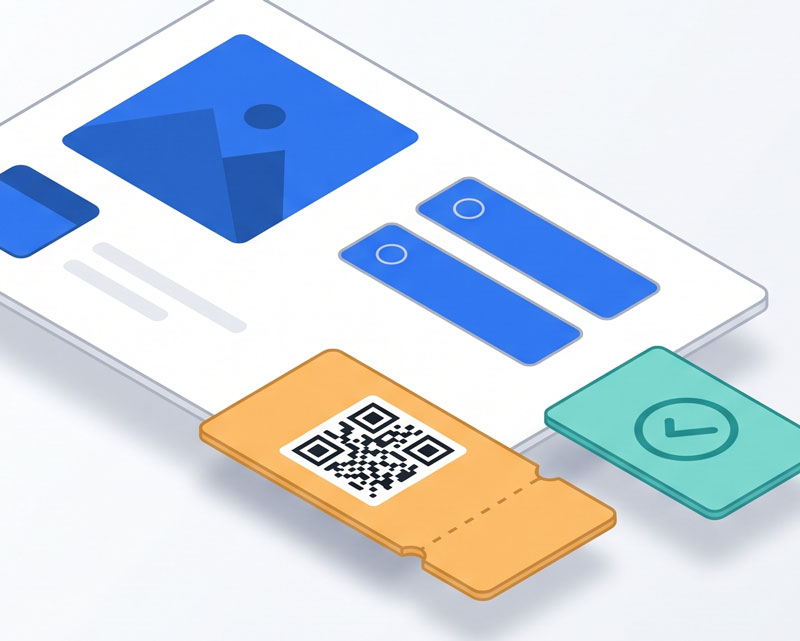
TicketLab is a Joomla package for events where tickets are free. This demo shows the complete visitor journey: find an event, choose a free ticket type, enter booking details, receive an individual QR ticket and present it for check-in.
What the demo shows
- Event pages — Browse an upcoming-events list and a Single Event page with venue details, ticket options and a line-up.
- Free bookings — Select ticket quantities and enter the standard booking contact details. Ticket types can request a name for each attendee.
- Individual tickets — Each confirmed place has its own ticket number, mobile QR ticket and printable PDF. TicketLab can also email the tickets.
- Line-up profiles — Explore the host and maker biographies on the event page or an event-specific Line-up Page.
- Door check-in — Authorised staff can scan a QR ticket or search manually. TicketLab distinguishes a valid ticket from one already checked in or for another event.
- Event management — Administrators can review Bookings and Attendees, resend tickets and export attendee data. An assigned organiser can see booking and attendance counts in the frontend dashboard.
demo
demo#1234
Getting Started
Try TicketLab
This guide uses the fictional DEMO: Harbour Makers Open Day event. Its example date is 21 November 2026; the demo administrator should move it to a future date before publishing if needed.
Book a free ticket
- Open the demo site's Events List and choose DEMO: Harbour Makers Open Day.
- Review the event details and line-up. Choose either General Entry or Printmaking Sampler; the sampler ticket includes general entry in this sample event.
- Select a quantity. Enter an attendee name for each place when the form asks for it.
- Enter the booking contact name and email address, supply Town / City if requested, accept the terms and choose Confirm free tickets.
- On the confirmation page, open an individual mobile ticket and its PDF. Check the ticket email if the demo allows delivery.
Use test names and an email address you control. The booking page has no payment step or monetary subtotal.
Explore the line-up
- On the event page, find the Line-up section for the host and speakers.
- Open the dedicated Line-up Page if the demo has one. It groups Morgan Lee under Host and Ana Patel and Jordan Vale under Speaker.
- Choose Read more to view a full biography.
Review the administrator screens
These steps need an administrator demo account. If no account has been supplied, use the public event and ticket flow above.
- Open Components > TicketLab > Events to see the sample event, its dates, venue and image.
- Open Ticket Types to see General Entry and Printmaking Sampler, their capacities and attendee-name settings. Ticket prices are fixed at zero in this edition.
- Open Line-up to see how the three profiles are assigned to the event and selected for the Event and Line-up pages.
- Open Bookings to review a test booking and its issued tickets. Open Attendees to search tickets or export a test CSV.
Create a sample event
These steps also need administrator access. The ready-to-enter event copy, ticket types, line-up biographies and image filenames are in the local demo-harbour-makers-open-day.md setup document.
- In Events > New, enter a title, description, start date and venue. Upload the event cover and set an optional overall capacity. A blank Capacity field means no overall cap in TicketLab 0.8.92 or later.
- Save the event, then create at least one published ticket type under Ticket Types > New. Set a capacity and attendee-name requirement if desired.
- Create and publish line-up profiles, assign them to the event, and select where each profile should appear.
- Publish an Events List, Single Event or Line-up Page menu item to view the result on the site.