
Postbox Demo
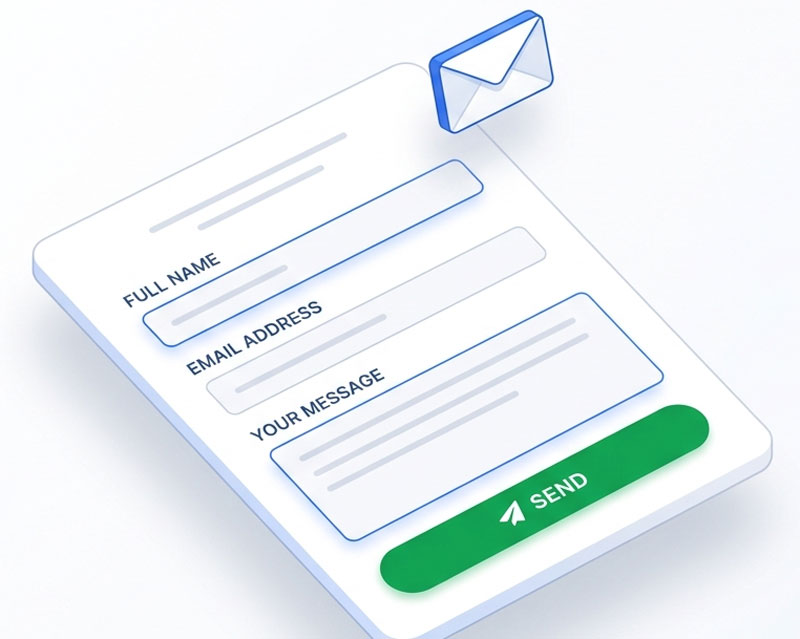
PostBox is a lightweight form builder component for Joomla 5 and 6. Create simple, fast contact forms with AJAX submission, email notifications, and GDPR compliance — no bloat, no frameworks, no subscriptions.
Key Features
- Six field types — Text, email, textarea, select, checkbox, and radio
- AJAX submission — Smooth form submission without page reloads, with real-time validation
- Email notifications — Configurable recipients with CC/BCC, custom subject and body templates using field placeholders
- Auto-reply emails — Automatic confirmation emails to the submitter with customisable templates
- Spam protection — Built-in honeypot field, plus hCaptcha and Cloudflare Turnstile integration
- GDPR consent — Optional consent checkbox with configurable text and automatic data retention/purging
- Rate limiting — IP-based throttling to prevent abuse (configurable per window)
- Submission management — View, search, and manage all form submissions in the admin with read/unread tracking
- Content plugin — Embed any form in an article or module using
{postbox 5}shortcodes - Thank-you options — Show a custom message or redirect to another page after submission
Demo Login
Admin URL
https://demo.thedesigncompany.co.nz/administrator/index.php?option=com_postbox&view=dashboard
Username
demo
Password
demo#1234
Getting Started
Submitting a Form (Front-end)
- Click View Front-end Demo above to see a sample contact form
- Fill in the fields — required fields are marked with an asterisk
- If GDPR consent is enabled, tick the consent checkbox
- Click Send — the form submits via AJAX without reloading the page
- A success message appears confirming your submission
Managing Forms (Admin)
- Click Open Admin Panel and log in with the demo credentials
- Go to Components > PostBox
- The Dashboard shows total forms, submissions, and unread messages
- Click Forms to see all forms — click a title to edit, or New to create one
Creating a Form
- Click New from the Forms list
- Enter a title and optional description
- Email tab: Set recipients (to/cc/bcc), customise the subject and body template using
{field_name}placeholders - Auto-Reply tab: Enable and customise the automatic reply sent to the submitter
- Thank You tab: Choose between showing a message or redirecting to a URL
- Spam & GDPR tab: Enable captcha, consent checkbox, and set data retention days
- Click Save
Adding Fields
- From the form edit screen, scroll down to the Fields section
- Click New Field and choose a type: text, email, textarea, select, checkbox, or radio
- Enter a label, optional placeholder text, and set whether it's required
- For select, checkbox, and radio fields, enter options (one per line)
- Click Save — drag fields to reorder them
Viewing Submissions
- Go to Components > PostBox > Submissions
- Click any submission to view the full details — all field values, timestamp, and IP address
- Unread submissions are highlighted until you open them
Embedding in Articles
Use the shortcode {postbox ID} in any article or Custom HTML module to embed a form. Replace ID with the form's ID number.