
FAQLab Demo
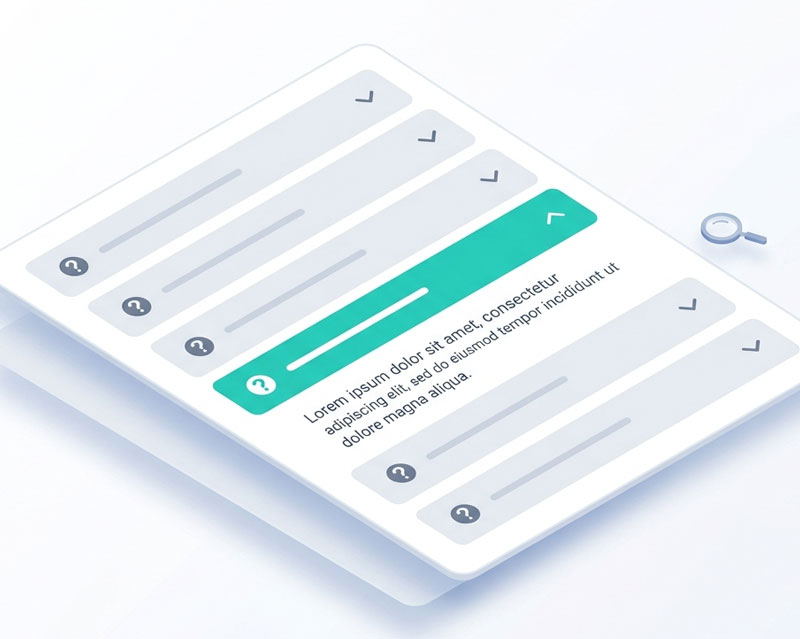
FAQLab is a lightweight FAQ component for Joomla 5 and 6. Create organised, searchable FAQ sections with accessible accordions, nested categories, and automatic FAQ schema markup for Google rich results.
Key Features
- Nested categories — Organise FAQs into a hierarchical category structure with unlimited depth
- Accessible accordions — Expand/collapse panels with full ARIA support and keyboard navigation
- Live search — Instant client-side filtering across questions and answers
- FAQ schema markup — Automatic JSON-LD structured data for Google rich results
- Two display modes — Category listing (cards linking to individual pages) or all FAQs grouped on one page
- Accordion or flat list — Choose between collapsible panels or always-visible answers
- Customisable styling — Configurable colours, border radius, and icon style (chevron, plus/minus, or none)
- Content plugin — Embed any category's FAQs in an article using
{faqlab 3}shortcodes - Keyboard navigation — Arrow keys, Home/End, Enter/Space for full keyboard access
Demo Login
Admin URL
https://demo.thedesigncompany.co.nz/administrator/index.php?option=com_faqlab&view=categories
Username
demo
Password
demo#1234
Getting Started
Browsing FAQs (Front-end)
- Click View Front-end Demo to see the FAQ section
- Click any question to expand the answer — click again to collapse it
- Use the search box to filter FAQs instantly by keyword
- Navigate between questions using the arrow keys on your keyboard
Managing FAQs (Admin)
- Click Open Admin Panel and log in with the demo credentials
- Go to Components > FAQLab
- You'll see two sections: Categories and FAQ Items
Creating Categories
- Go to Categories and click New
- Enter a title and optional description (shown above the FAQs)
- To create a sub-category, select a Parent Category from the dropdown
- Click Save
Adding FAQ Items
- Go to FAQ Items and click New
- Enter the Question text
- Select a Category from the dropdown
- Write the Answer using the rich text editor — supports formatting, links, and images
- Click Save or Save & New to keep adding
Customising the Appearance
- Go to Components > FAQLab > Options
- Display Settings: Choose accordion or flat list, toggle search, enable schema markup
- Style Settings: Set heading colours, accent colour, border radius, and icon style
Embedding in Articles
Use the shortcode {faqlab ID} in any article or Custom HTML module to embed a category's FAQs. Replace ID with the category's ID number.